
How PulseID works
What happens between the scan and the answer, and everything a manager can do afterwards.
What happens in a scan
On the phoneRead the barcode
The app reads the PDF417 barcode on the back of the license: name, date of birth, license number, issuing state and dates.
On the phoneApply your door rules
It works out the exact age and applies your policy, so staff see the answer right away, even offline.
On the serverRun the rules again
The server repeats the decision itself and doesn't trust the phone's answer, so a tampered device can't let someone in.
On the serverRead the front
If front capture is on, the photo of the front is read and its printed text pulled out.
On the serverCompare and save
Each field on the front is compared with the barcode, and the scan is saved with its decision and reasons.
The front has to match the barcode.
PulseID compares the name, date of birth and license number on the front with the barcode, and gives a confidence score from 0 to 100. It also catches impossible dates, like an issue date in the future.
| Match | Front and back agree on every field. |
|---|---|
| Minor difference | A middle initial or a nickname. Worth a glance. |
| Major difference | A real disagreement on a key field. Pull them aside. |
| Critical failure | Name, birth date or license number don't match. The mark of a doctored ID. |
Your rules, the same way every time.
Set the policy once in the web admin. Every phone uses it on the next scan.
- Every scan ends as Entry, full; Entry only; Manager review; or Deny, in your words.
- Set a minimum entry age and a drinking age, or build your own age bands.
- Choose whether an expired ID is denied or sent to a manager, with a grace window.
- An active flag beats the age math. A banned regular is denied whatever their age.
- Impossible dates and IDs about to expire go to manager review.
- The decision and its reasons are saved on the scan.
Flags, bans and trespass files: a memory for your door that outlasts staff turnover.
Three levels
Warning lets them in with a heads-up. Banned turns them away. Trespassed is a legal no-entry order.
Exact and name matches
An exact license match applies the flag. A name-only match goes to a manager.
Notices on your letterhead
Print a ban or trespass notice with a signature and a police report number.
An incident log
Every note is timed and signed, so the next shift knows what happened.
Photos
Add a photo so the door can confirm it's the right person.
What the door sees
Choose what door staff can see in a flag, and whether they can edit flags.
The judgment calls, handled.
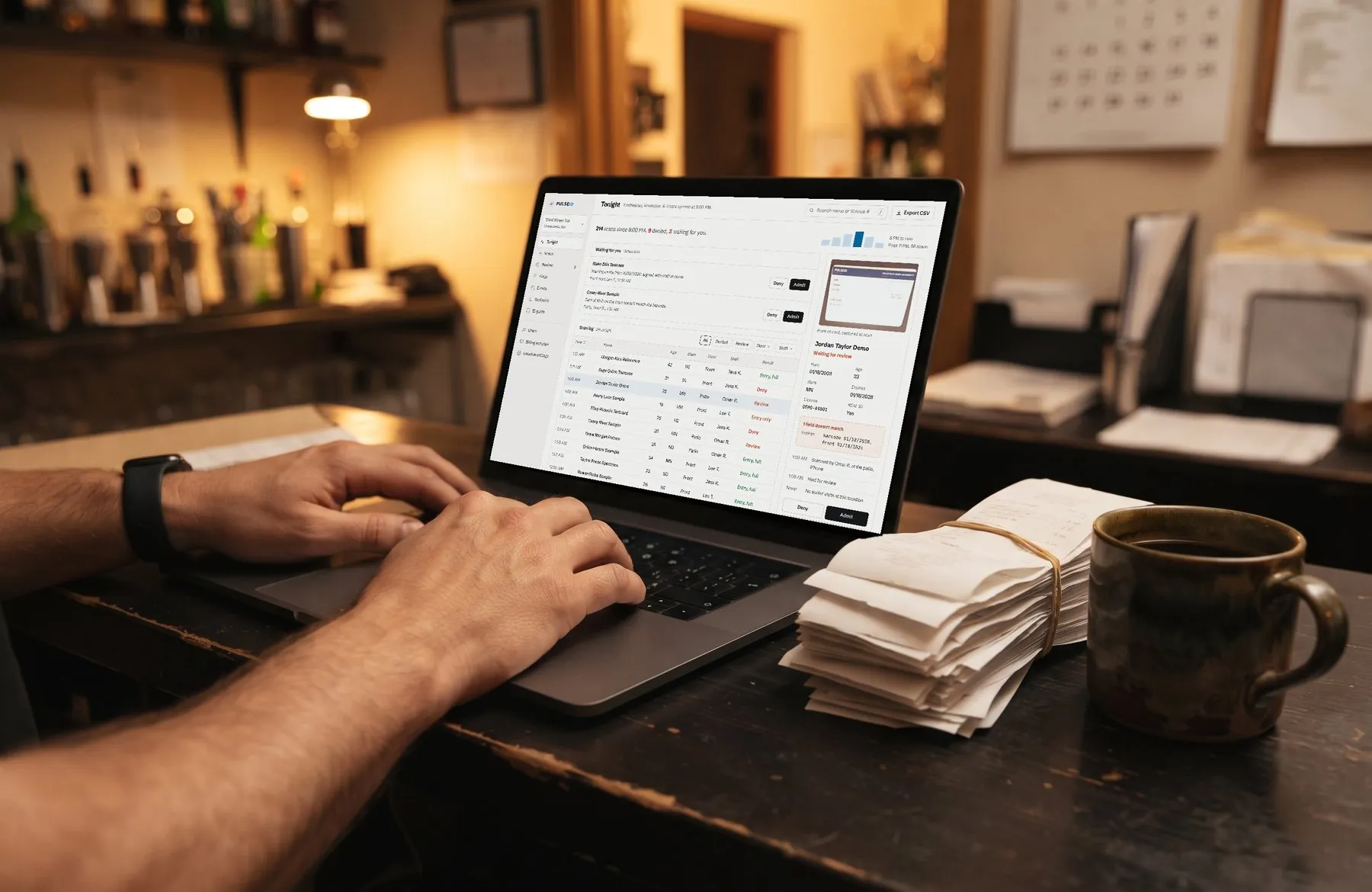
- A live review queue for every scan that needs a second look.
- Manager overrides need a reason and are logged.
- If the same ID is scanned twice within 15 minutes, the door is warned it may have been handed back.
See it on your own phone.
Starter is $79 a month. No hardware to buy.